Using AI to help with HR Investigations
Copilot Wont decide your investigation. But it can help you organise the evidence.
Most HR investigations do not become difficult because HR lacks judgement. They become difficult because the evidence is scattered, incomplete, inconsistently labelled and hard to hold in your head.
Witness statements sit in Word documents, emails are buried in Outlook. Teams messages may be exported separately or sitting in screenshots as an attachment.Policies are stored somewhere else entirely.
Meanwhile the timeline that matters most is often being reconstructed from memory every time someone asks a question.
This is where Microsoft Copilot can add real value:NOT by making decisions, but by helping investigators create a clearer, more structured view of the information they already have.
I once had to investigate a team of around 20 staff, with approximately 40+ customer witness statements to collate and tonnes upon tonnes of evidence.It took weeks and weeks and probably, to this day, I still missed something.
Used well, Copilot can support a more disciplined investigation process by helping HR organise evidence, identify gaps, triangulate information and separate fact from assumption (and bias) and test whether the emerging picture is complete enough to assess fairly or even what your next steps might be.
Here’s how I would use it in practice:
STEP ONE: Start with a secure investigation workspace
Before asking Copilot to summarise or analyse anything, I would create one controlled, secure place for all investigation materials. That might be a restricted SharePoint folder, a secure OneNote folder, a Copilot Notebook, a word based evidence pack or another approved internal workspace that Copilot can access within your organisation’s Microsoft 365 environment.
The key is not the tool label but the structure, permissions and data discipline.Copilot can only work well with the information it can access and HR should only place information there if it is appropriate, necessary and properly protected.
A simple investigation workspace might include:
Complaint, concerns/allegations raised or terms of reference
Relevant policies, procedures and guidance
Interview notes and witness statements
Emails, Teams/Slack messages or other documentary evidence
Chronology and timeline notes
Evidence matrix
Outstanding questions and follow up actions
Draft findings and investigator reflections
Before uploading or moving anything, check access permissions, confidentiality requirements, retention rules and your organisation’s policy on AI use.In ER work, responsible use matters as much – if not more – than efficient use.
STEP TWO: Build the timeline before analysing the issues
One of the first things I would ask Copilot to do is create a chronology. Not jump straight to conclusions or a finding.Just a structured timeline.
PROMPT EXAMPLE:
“Using only the evidence provided, create a chronological timeline of events. Include dates, times, people involved, source documents and any gaps or inconsistencies. Do not draw conclusions.”
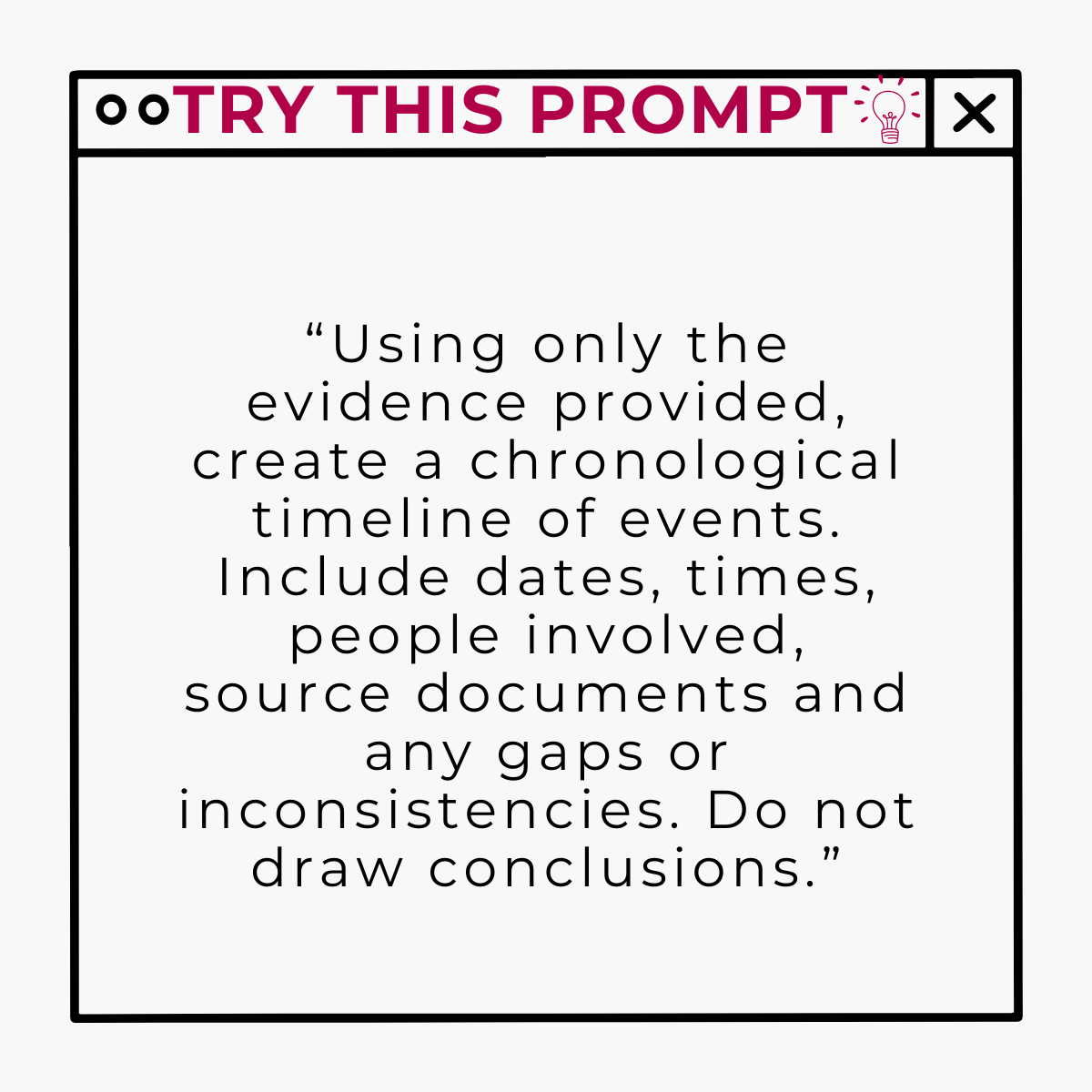
This could often surface the basics that determine whether the investigation is robust: Missing dates, unclear sequencing, conflicting accounts, evidence mentioned but not provided, or witness names that have appeared in the paperwork but not yet been followed up.
Human check:
Compare the timeline back to the source material. Copilot may miss context, misread a date, or place too much weight on a document that is only partial. The timeline is a working aid, not the investigation record itself.
STEP THREE: SEPARATE EACH ALLEGATION
A common risk in investigations is allowing several distinct concerns to merge into one broad narrative. That makes it harder to assess evidence fairly and harder to explain findings clearly.
PROMPT EXAMPLE:
"List each allegation separately, using the complainant’s wording where possible. Do not merge allegations. For each allegation, identify the relevant date, people involved, source document and what remains unclear."
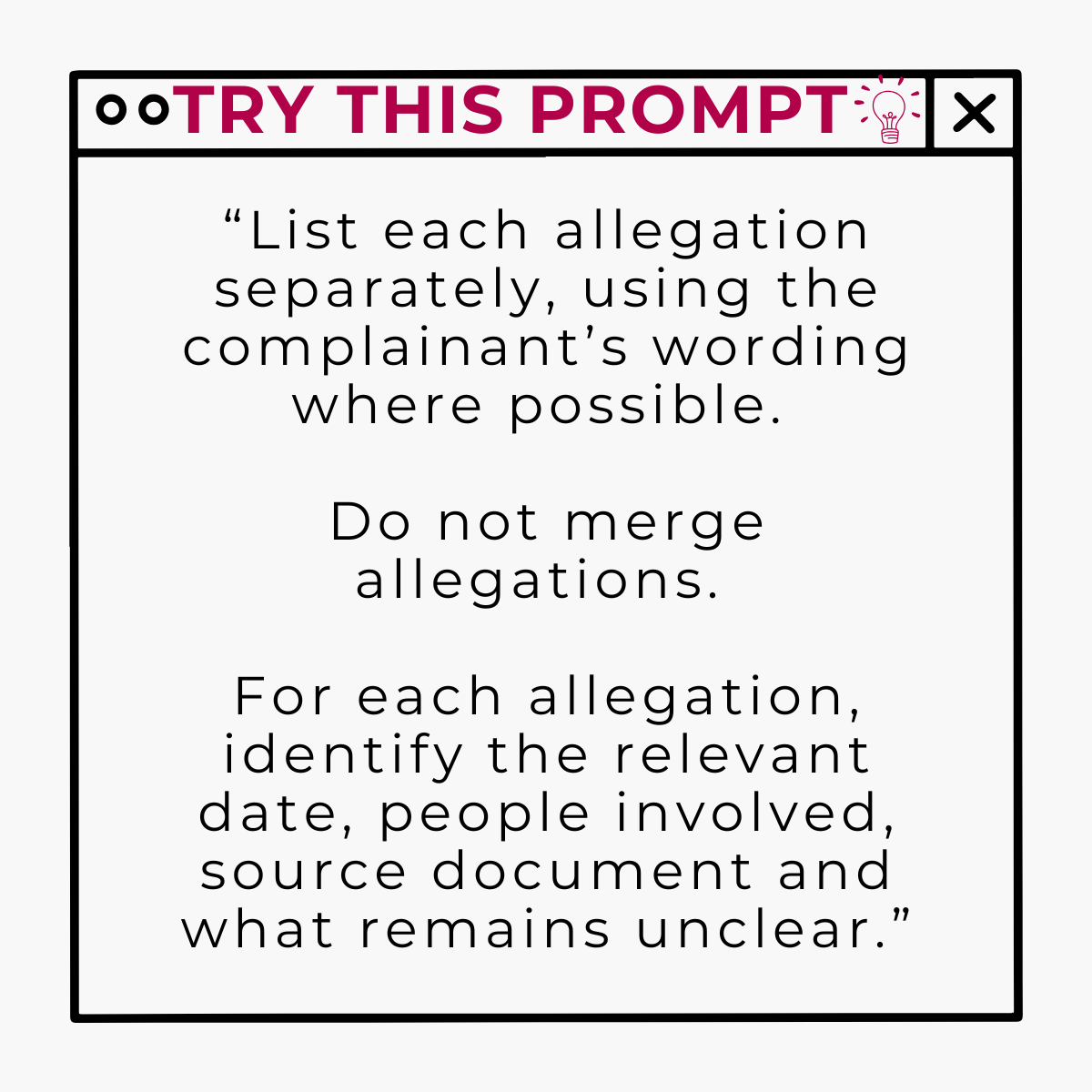
This may help create discipline.Instead of asking the vague question of ‘what happened?’, the investigator can ask:What evidence supports or contradicts Allegation 1?What is the position or summary on Allegation 2?What further information is needed before Allegation 3 can be assessed and concluded?
It can even help you triangulate everything at the end of your investigation.
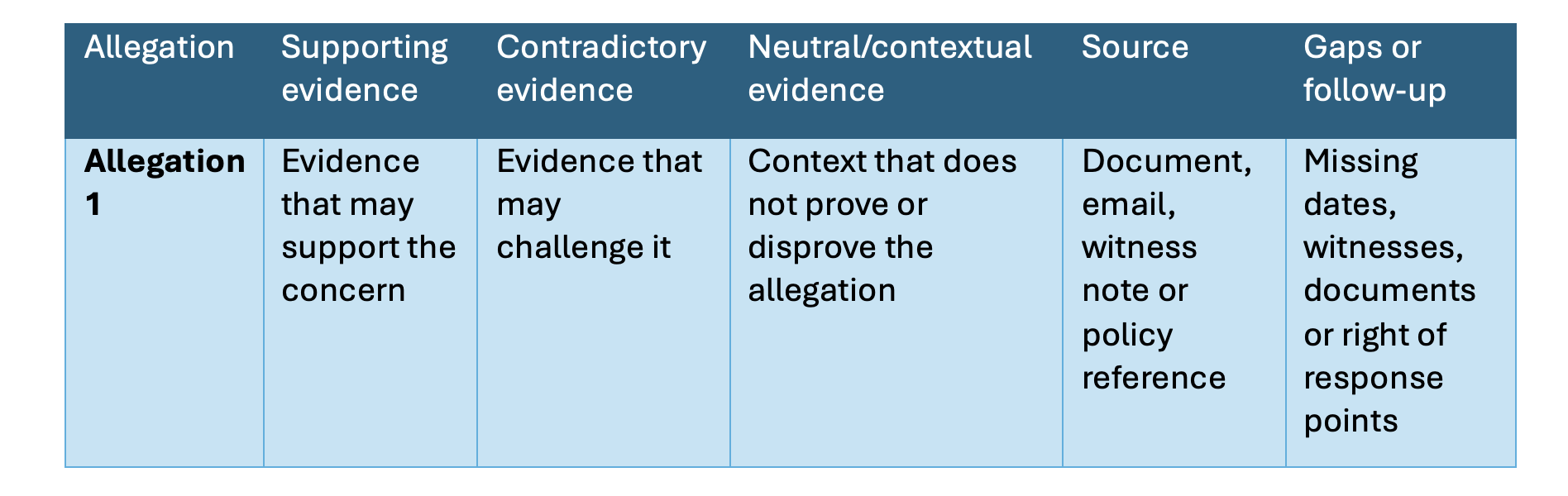
STEP FOUR: Create an evidence matrix
Once your allegations are clear, Copilot can help you build an evidence matrix.This is where the value becomes very practical because it stops the investigator repeatedly jumping between documents and trying to hold the whole case in working memory.
Many a time I have sat with hundreds of pages spread out across my desk, spilling onto the floor, crossing out information or highlighting certain pieces of evidence I want to refer to.
PROMPT EXAMPLE:
“Create an evidence matrix for each allegation. Separate evidence that supports the allegation, contradicts it, provides neutral context, or is missing. Include the source document and any reliability considerations. Use only the evidence provided and do not make assumptions."
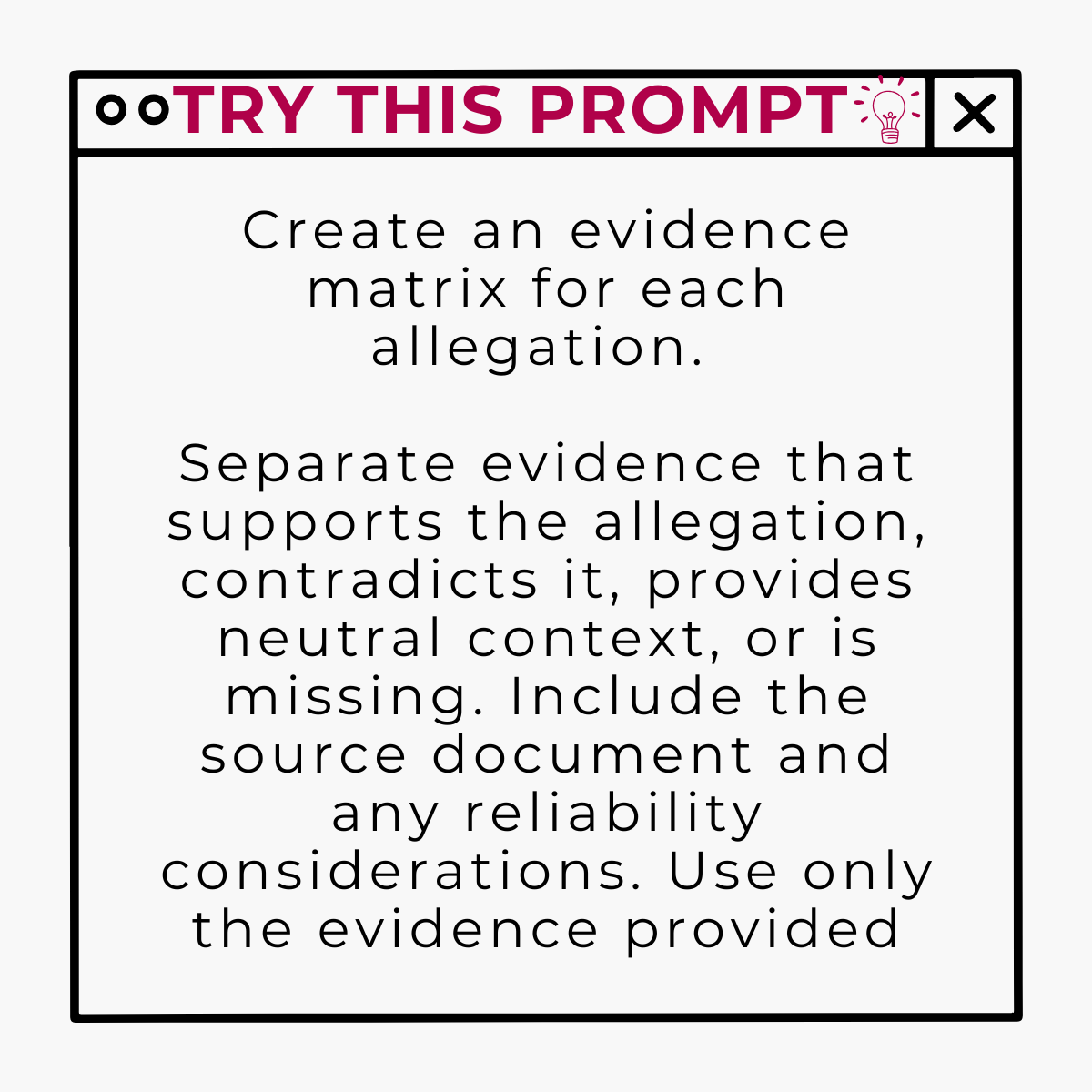
This kind of structure helps protect fairness and will make it easier to see whether an allegation is supported by evidence, whether there is any relevant contradictory information, and whether the investigator has accidently focused only on material that confirms an early viewpoint.
STEP FIVE: Use Copilot to identify investigation gaps.
This is one of the highest value uses of Copilot in a HR investigation.Ask it to look for what is missing, unclear or unresolved.
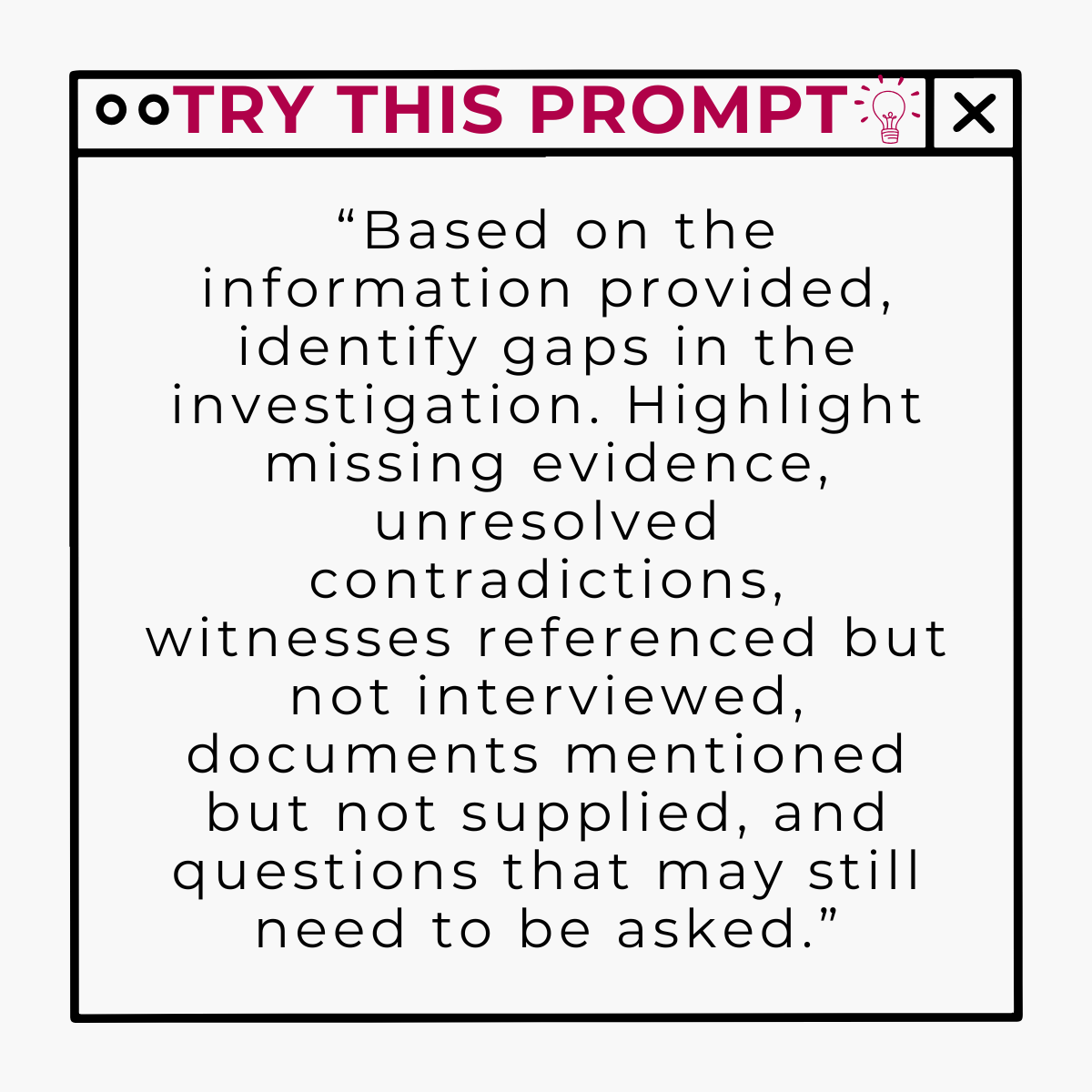
PROMPT EXAMPLE:
“Based on the information provided, identify gaps in the investigation. Highlight missing evidence, unresolved contradictions, witnesses referenced but not interviewed, documents mentioned but not supplied and questions that may still need to be asked.”
Common gaps Copilot can help surface include:
Unclear chronology or missing dates
Witnesses named in the evidence but not yet interviewed
Documents referred to but not included in the investigation pack
Allegations that have not been put clearly to the person responding
Policy clauses that have not been considered
Contradictions between accounts that need follow up
Conclusions that are not yet linked to evidence
Assumptions that are not yet linked to evidence
Assumptions that may have slipped into the narrative
The point is not to prove or disprove a case.The point is to understand what you still do not know before moving too quickly towards findings.
STEP SIX: Challenging the emerging view (or your own assumptions)
One of the most useful things Copilot can do is help the investigator test their own thinking. Not because Copilot is more objective than a trained HR professional but because it can be prompted to look for alternative explanations, missing context or weak links in the reasoning.
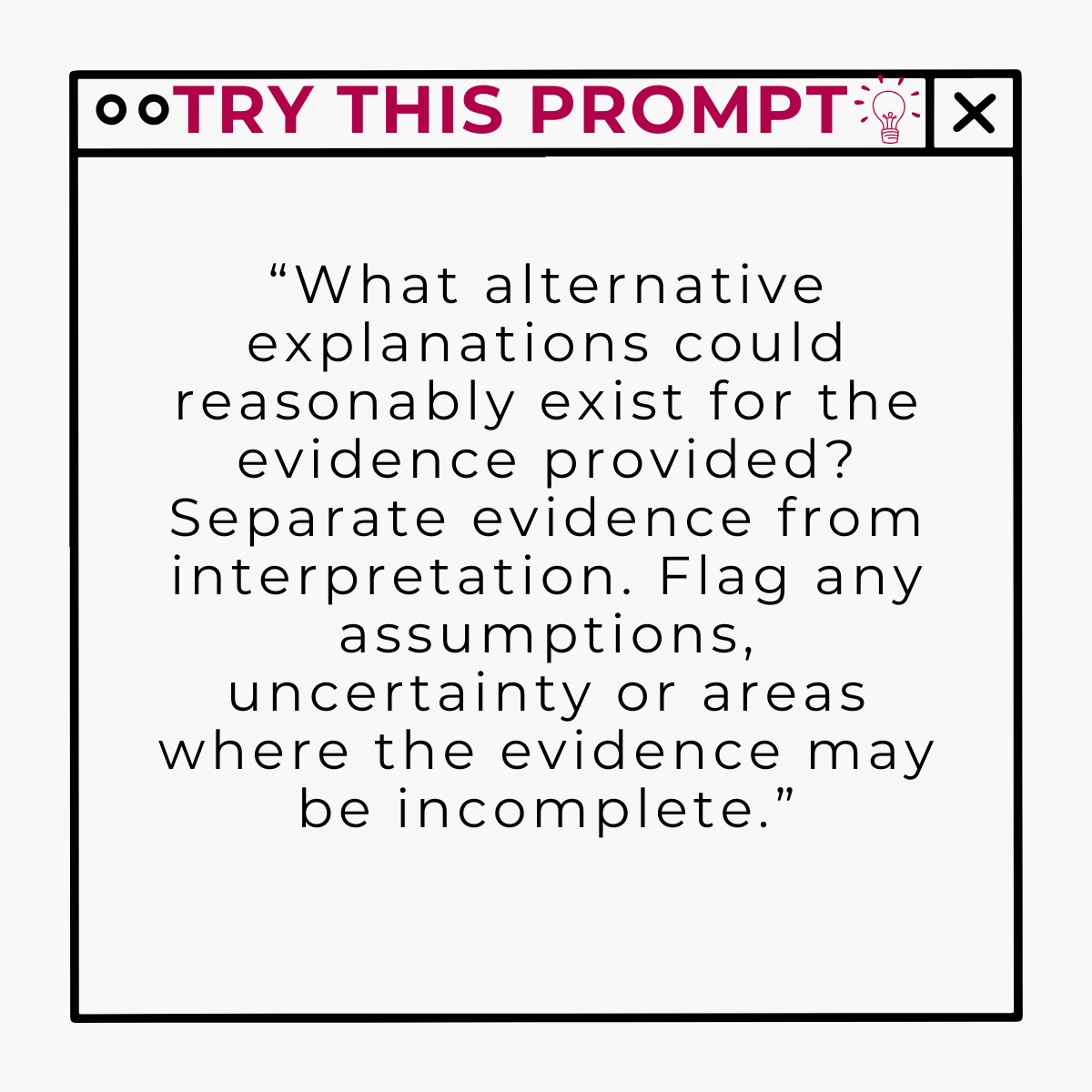
PROMPT EXAMPLE:
“What alternative explanations could reasonably exist for the evidence provided? Separate evidence from interpretation. Flag any assumptions, uncertainly or areas where the evidence may be incomplete."
OR:
“Review this draft analysis and identify where the wording treats an allegation as fact, overstates the evidence, ignores contradictory information, or moves beyond the available source material.”
This is not about outsourcing professional judgement but about creating a stronger review discipline before conclusions are reached.
Especially in complex employee relations work, the quality of the process is often what protects the quality of the outcome.
STEP SEVEN: Draft findings only after the investigator has reached a view
This is the part I would be most careful with.
Copilot should not be asked to decide whether an allegation is upheld. That remains the investigator’s responsibility.
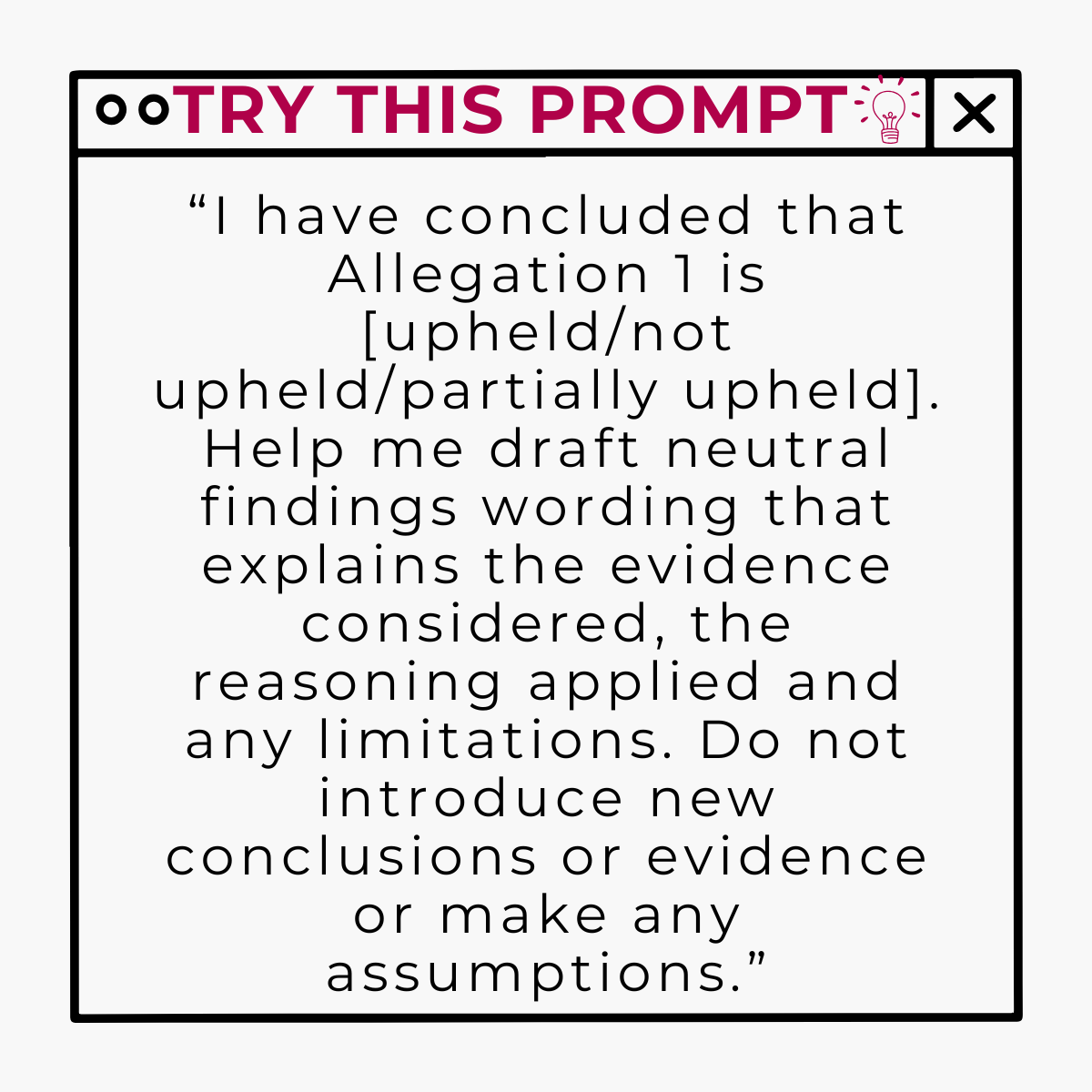
PROMPT EXAMPLE:
“I have concluded that Allegation 1 is [upheld/not upheld/partially upheld]. Help me draft neutral findings wording that explains the evidence considered, the reasoning applied and any limitations. Do not introduce new conclusions, evidence or make assumptions.”
This distinction matters.
Copilot can help structure the report, improve clarity and check whether the reasoning is explained. It should not determine credibility, infer motive, decide intend, apply sanctions or replace the human accountability that sits with the investigator and decision maker.
Where Copilot helps – and where it does not
As I have said, Copilot is useful for organising information, summarising documents, finding inconsistencies, creating timelines, drafting tables, identifying gaps and helping the investigator review their own reasoning.
It should not be responsible for deciding what happened, assessing witness credibility, determining intent, making disciplinary recommendations, applying policy judgement or ensuring procedural fairness. Those responsibilities remain human, in full.
It’s also important to note that Copilot’s output is only as good as the information available to it and the instructions given to it.If documents are missing, permissions prevent access, scans are not searchable, or source material is poorly labelled, the answers may look very confident while still being incomplete.
Every AI generated summary, table or draft should therefore be checked against the source material before it is relied upon.
Where this could go next
Everything I have written above relies on the investigator doing the prompting, step by step, each and every time.It works but depending on remembering the right sequence, the right wording and confidentiality and data integrity depends on remembering those right sequences under pressure, often exactly when there is least time to think it through properly.
The natural next step, to me, is building this thinking into a dedicated AI Investigator Agent, rather than a set of prompts you have to reconstruct from memory.Instead of timing out each instruction separately, that AI Investigator Agent could hold the entire process (timeline, allegation separately, evidence matrix, gap analysis, bias checks and draft findings – even more if you would like) as a structured workflow, prompting the investigating manager for the right information at the right stage and keeping every output tied back to the source evidence.
Done properly, it would not remove any of the safeguards I have covered above.If anything, it would make them harder to skip through.The Agent could still stop short of deciding anything with this right instructions.It would simply make the discipline of a well-run investigation easier to follow consistently, case after case, rather than reinvested from scratch each time.
I’m building exactly this at the moment and will be walking through it in more detail on YouTube shortly.Worth keeping an eye out if this is a direction you would find useful for your own investigations.
Final thought
I think the biggest misconception about AI in employee relations is that the value sits in faster report writing.For me, that misses the point entirely.
The real value is in better thinking and a more structured approach. When scattered information becomes a clear chronology, when allegations are separated properly, when evidence is mapped transparently and when gaps are visible before findings are reached, the investigator has more head space to do the work that only a human should do : Exercise judgement.
This is the opportunity and the art of the possible for HR teams. Not to use Copilot as a shortcut around the way you do things currently, but use it as a practical tool to rethink how work is done; for rigour, consistency and clearer decision making.
If your HR team has access to Copilot but is still mainly using it to draft emails or summarise meetings, there is a much bigger opportunity here. Why not find out more about my Copilot for HR teams training.
I share how I actually use Ai in HR practice, what works, what doesn’t and what I’m testing next, in my Inside AI for HR newsletter.
Worth subscribing if you want more of this without the hype or the theory.
